Assigning Permission
Assign permission of the pages you designed to different users, and then the pages can be displayed on the operation center according to granted permissions.
Log in to X-Edge, and then click Designer at the lower-left corner to access the design center.
Select User Security > User Manage on the left panel, and then click Add.
Enter the basic information of the user, and then click Submit.

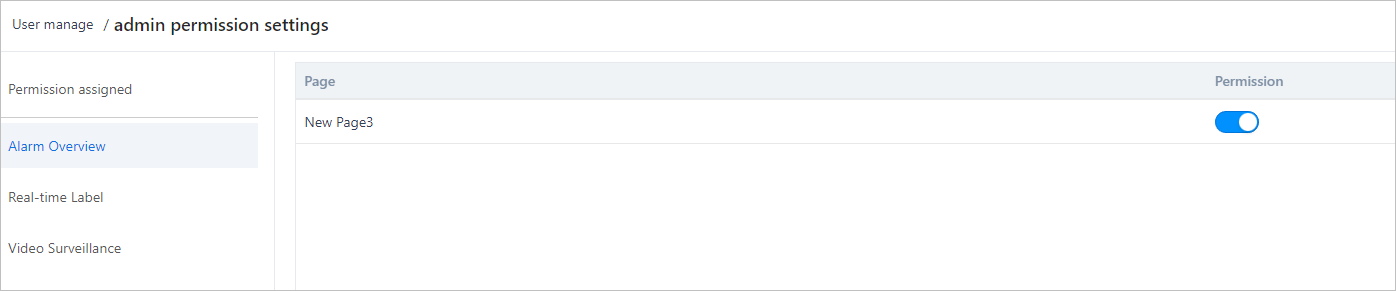
Click Permission of the user you added, and then select pages to assign permissions.
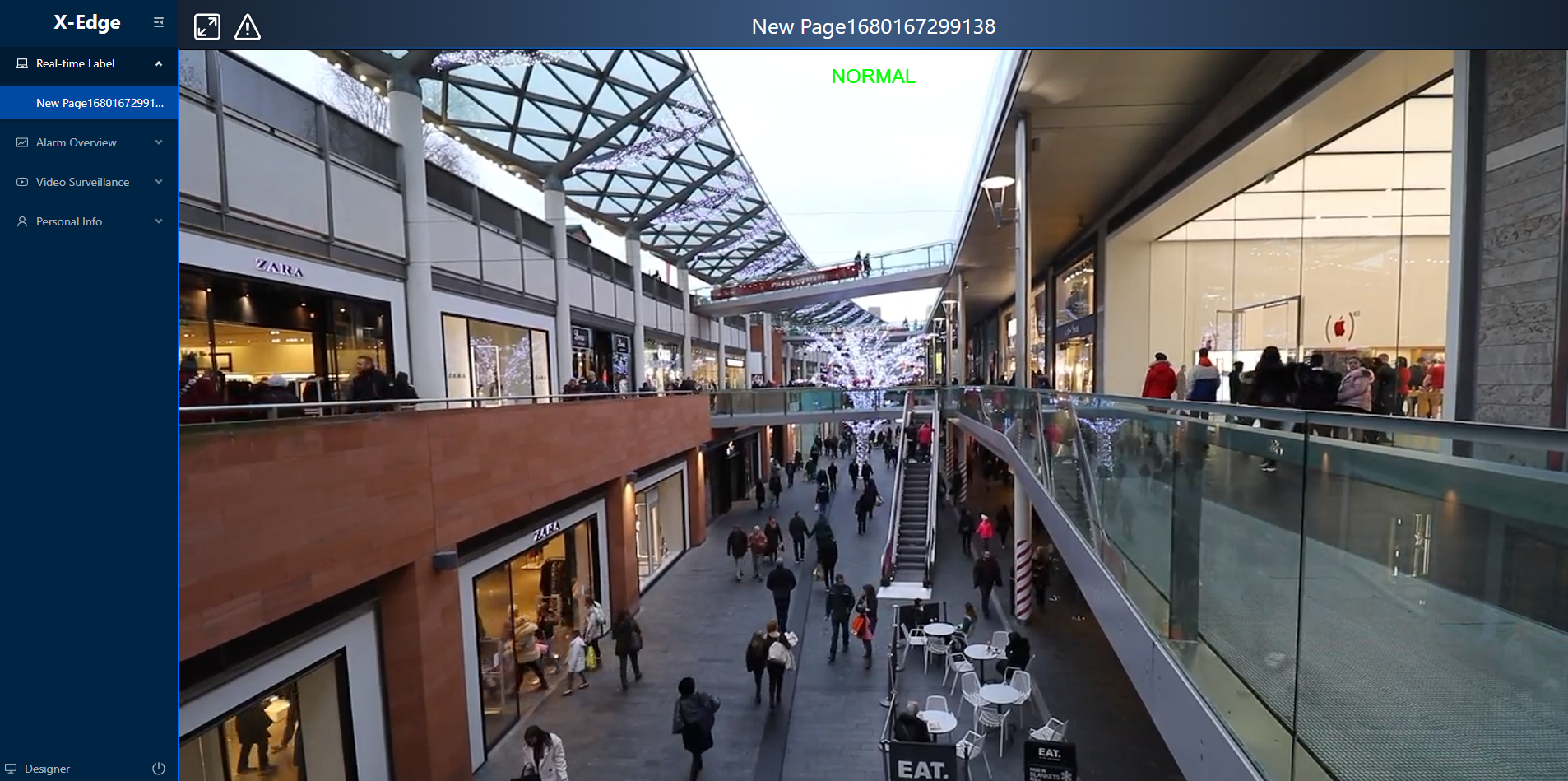
Go to the operation center, select the pages you have permissions to and view the minitoring video.